Top 5 Microsoft Teams Apps for Employee Motivation
Microsoft Teams offers apps that tackle challenges in remote and hybrid work by keeping employees engaged and motivated. Here are the top 5 apps that help with recognition, collaboration, and growth:
- Vantage Circle : Recognize and reward employees with badges, custom programs, wellness tools, and engagement tracking.
- Mo : Build a positive work environment through peer recognition, goal setting, and feedback surveys.
- Breakthrough : Support professional development with learning tools, wellness programs, and team-building features.
- Rezolve.ai : Simplify employee support using AI-powered automation, instant assistance, and feedback tools.
- nBold : Improve team collaboration with custom templates, automated workflows, and centralized tools.
These apps integrate seamlessly with Microsoft Teams to enhance employee engagement and productivity. Below is a quick comparison of their key features:
| App | Focus Area | Key Features |
|---|---|---|
| Vantage Circle | Recognition & Rewards | Peer recognition, wellness support, engagement tracking |
| Mo | Workplace Culture | Real-time recognition, goal setting, employee feedback |
| Breakthrough | Growth & Wellness | Mentorship, skill assessments, stress management, collaboration tools |
| Rezolve.ai | Support & Efficiency | Workflow automation, chatbots, real-time support, tailored learning resources |
| nBold | Collaboration | Team templates, automated workflows, structured communication channels |
These tools address recognition, growth, support, and collaboration – key drivers of employee motivation. Start integrating them into your workflows to boost team morale and efficiency.
1. Vantage Circle: Recognize and Reward Employees
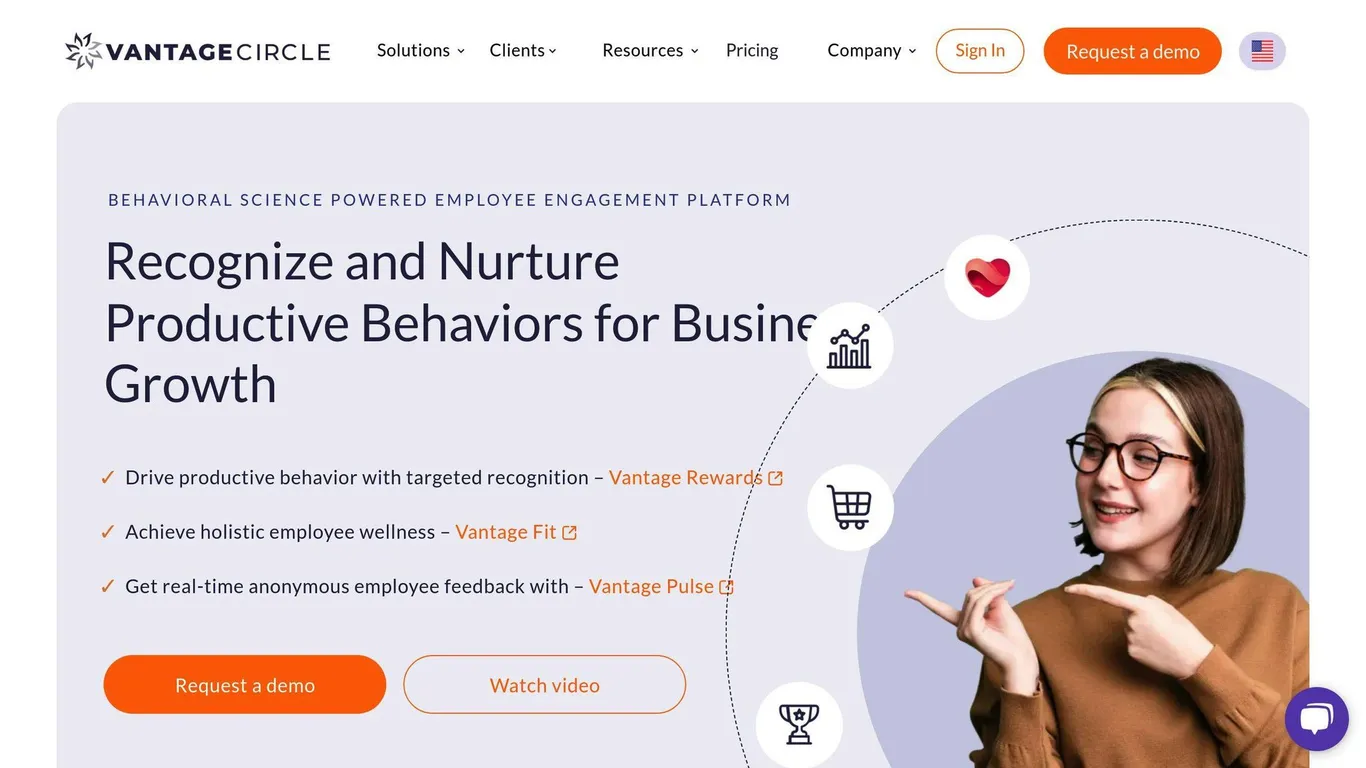
Vantage Circle makes it easier to recognize and reward employees directly within Microsoft Teams. Its tools allow teams to celebrate achievements and stay engaged effortlessly. By integrating with Teams, it ensures that recognizing contributions becomes a natural part of the daily workflow.
The platform includes features like digital badges and customizable rewards, making peer recognition quick and meaningful. It also offers mental health resources and wellness programs, along with surveys to monitor engagement and morale.
Here’s a quick look at its key features:
| Feature | What It Offers |
|---|---|
| Peer Recognition | Acknowledge team contributions instantly |
| Custom Programs | Design rewards to match company culture |
| Wellness Support | Access to mental health and well-being tools |
| Engagement Tracking | Insights into program performance |
| Teams Integration | Use the tools within your daily workflow |
The strength of Vantage Circle lies in its all-in-one approach, combining recognition, wellness, and engagement tracking. Companies can tailor programs to fit their culture and regularly analyze engagement data to ensure they’re hitting the mark.
To get the most out of the platform, consider these tips:
- Align recognition efforts with your company’s core values.
- Use engagement data to fine-tune strategies.
- Be consistent with recognition practices.
- Highlight wellness resources alongside recognition programs.
While recognizing achievements is essential, creating a supportive and positive work environment plays an equally important role in keeping teams motivated and happy. Vantage Circle helps strike that balance effectively.
2. Mo: Build a Positive Work Environment
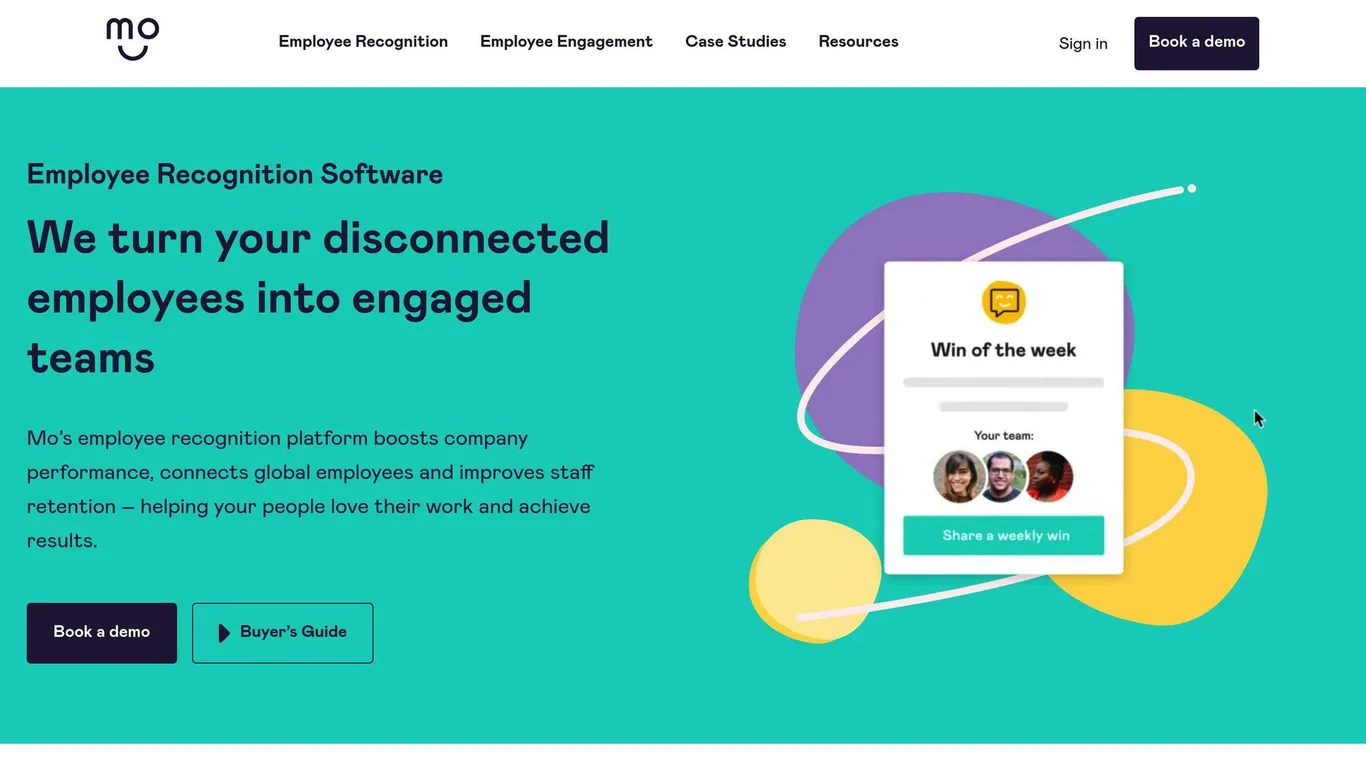
Recognizing achievements is important, but creating a collaborative and supportive workplace is equally essential for boosting team morale. Mo integrates directly with Microsoft Teams, offering tools that help employees feel appreciated and connected through structured collaboration and feedback.
With Mo, peer recognition becomes effortless. Features like thank-you cards enable real-time acknowledgment, making it easy to celebrate contributions as they happen. By combining recognition with tools for collaboration and feedback, Mo helps keep teams motivated and engaged.
Key Features and Benefits
| Feature | Purpose | Impact |
|---|---|---|
| Recognition Tools | Acknowledge contributions in real time | Encourages positivity and reinforces good habits |
| Goal Setting | Align objectives and track progress | Improves focus and boosts productivity |
| Surveys & Polls | Collect employee feedback | Highlights areas needing improvement |
Mo stands out by offering a structured approach to team engagement, emphasizing:
- Idea Crowdsourcing : Encourages group problem-solving and creativity.
- Goal Alignment : Keeps everyone focused on shared priorities.
- Regular Check-ins : Ensures continuous feedback for ongoing improvement.
The platform also features built-in analytics, giving leaders insights into team sentiment and helping refine engagement strategies. According to Gartner, about 80% of employees believe engagement is key to reaching organizational goals.
Tips for Using Mo Effectively
To get the most out of Mo, consider the following:
- Make recognition a consistent habit.
- Set up regular feedback sessions for your team.
- Use goal-setting tools to align team objectives.
Mo’s seamless integration with Microsoft Teams ensures that these activities fit naturally into daily workflows. This makes it an excellent tool for fostering a positive and connected atmosphere, especially in remote or hybrid work environments.
3. Support Employee Growth
Employee growth and well-being are key to keeping motivation levels high. Breakthrough integrates seamlessly with Microsoft Teams, offering a platform that blends professional development tools with resources for employee wellness.
Features for Employee Development
| Feature Category | Components | Purpose |
|---|---|---|
| Learning Tools | Mentorship programs, skill assessments | Encourages ongoing skill improvement |
| Wellness Programs | Stress management, mental health support, work-life balance resources | Supports daily well-being |
| Collaboration Tools | Team-building activities, idea sharing | Boosts teamwork and cross-functional interaction |
Breakthrough’s combined focus on growth and wellness creates a supportive work environment. Its built-in analytics allow managers to monitor engagement and identify areas where employees may need extra assistance.
“Around 80% of employees consider employee engagement a critical factor in meeting organizational goals”
To get the best results, companies should:
- Define clear development paths that align with business objectives and measure their effectiveness.
- Conduct regular wellness check-ins and provide support sessions.
Breakthrough also integrates with other Microsoft Teams apps, creating a unified ecosystem for employee growth. By addressing both professional and personal needs, the platform helps keep employees motivated and engaged.
While Breakthrough focuses on growth and wellness, Rezolve.ai tackles employee support, ensuring teams stay productive and driven.
4. Rezolve.ai: Simplify Employee Support
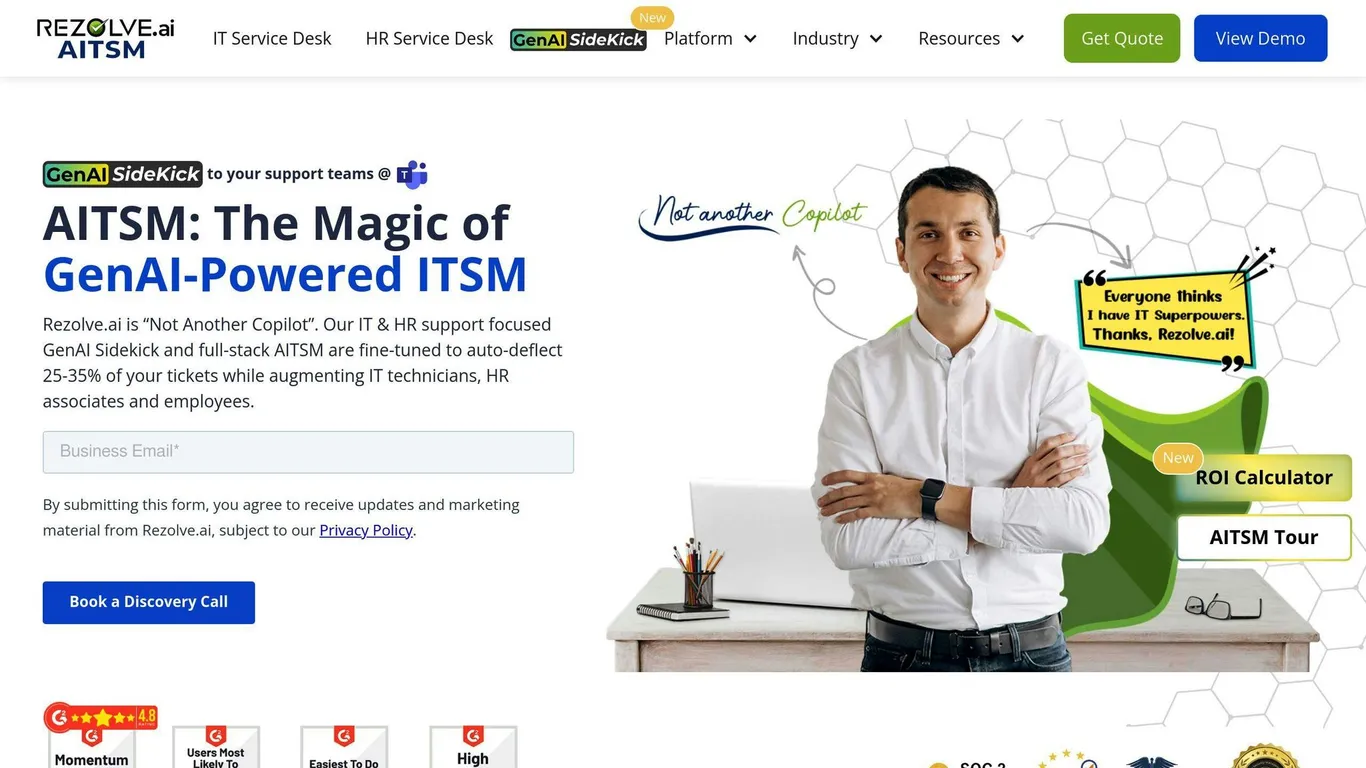
Rezolve.ai focuses on improving employee experience by simplifying communication and automating repetitive tasks – all within Microsoft Teams. This AI-powered platform eliminates common workplace hurdles, helping employees stay engaged and productive.
Key Support Features and Their Benefits
| Feature Category | Functionality | How It Helps Employees |
|---|---|---|
| AI-Powered Automation | Automates workflows and tasks | Frees up time for meaningful work |
| Feedback Systems | Surveys and recognition tools | Encourages improvement and growth |
| Real-time Support | Chatbots and live assistance | Delivers instant, role-specific help |
| Learning Integration | Tailored development resources | Supports individual career goals |
By integrating with Microsoft Teams, Rezolve.ai creates a seamless support system that enhances motivation by:
- Automating repetitive tasks, allowing employees to focus on more engaging work.
- Offering personalized assistance tailored to roles and past interactions.
- Providing immediate help to avoid workflow disruptions.
“Organizations using Rezolve.ai have reported an average increase of 25% in employee engagement and a 20% reduction in turnover rates, demonstrating the platform’s effectiveness in creating a more stable and motivated workforce.”
For remote and hybrid teams, Rezolve.ai ensures employees remain connected through centralized communication and instant support, reducing feelings of isolation.
How to Get Started
To make the most of Rezolve.ai, companies can:
- Begin with a small team (5-10 members) to test core features like automated support and feedback tools.
- Collect user feedback during the pilot phase to refine the experience.
- Gradually roll out the platform to additional departments based on initial results.
While Rezolve.ai simplifies employee support, nBold focuses on taking team collaboration to the next level with smarter workflows and optimized processes.
5. nBold: Simplify Team Collaboration
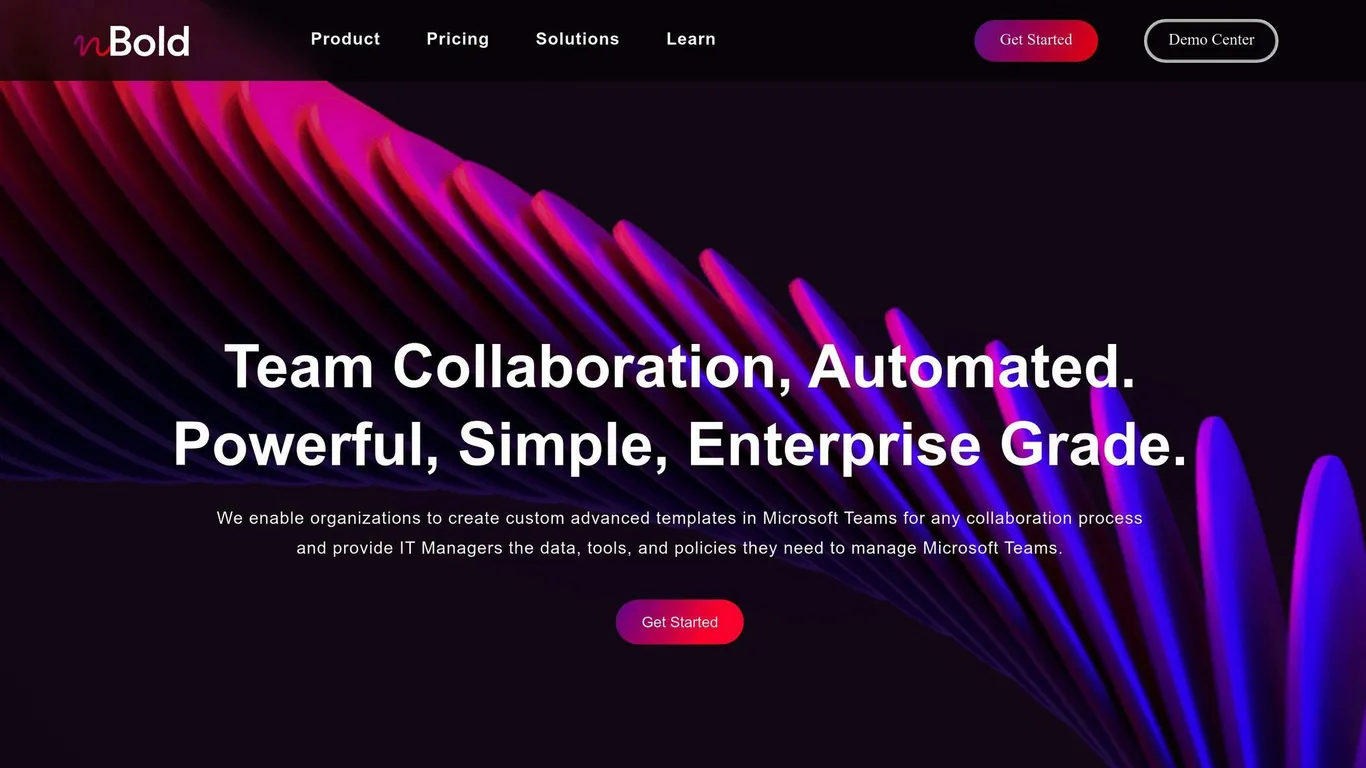
nBold turns Microsoft Teams into an organized workspace, cutting down on employee frustration by automating repetitive tasks and standardizing team setups. By creating efficient workflows and improving communication, it helps boost morale and keeps employees engaged.
Features That Drive Motivation
| Feature | How It Helps | Benefits for Employees |
|---|---|---|
| Custom Team Templates | Speeds up setup | Quick access to well-organized workspaces |
| Automated Workflows | Removes repetitive tasks | Frees up time for creative and strategic projects |
| Third-Party Integration | Centralizes tools | Less stress from switching between apps |
| Structured Channels | Enhances communication | Clearer, more effective information sharing |
nBold stands out by focusing on structured team templates and consistent processes, which cut down on setup time and reduce confusion. Research from Gartner shows that employees with access to effective collaboration tools are more engaged and satisfied at work.
How to Get Started with nBold
To get the most out of nBold, begin by using core templates, automate routine tasks, and connect the tools your team uses most to streamline workflows.
“Organizations that implement structured collaboration processes through tools like nBold can significantly improve employee satisfaction and productivity by reducing the friction in daily workflows.”
The Platform plan (quote-based, per user) includes key features like the Collaboration Template Builder and Team Creation tools. Volume and enterprise agreements are available for larger deployments.
Conclusion
Microsoft Teams apps have become valuable tools for improving employee motivation and engagement in today’s digital workplace. These apps target key areas that drive motivation:
| Motivation Area | App | How It Helps |
|---|---|---|
| Recognition & Rewards | Vantage Circle | Encourages peer recognition to boost engagement |
| Workplace Culture | Mo | Fosters a positive atmosphere and strengthens team bonds |
| Professional Development | Breakthrough | Assists with career growth and skill-building |
| Support & Efficiency | Rezolve.ai | Eases frustrations with AI-powered assistance |
| Collaboration | nBold | Simplifies workflows and boosts team productivity |
Together, these apps address recognition, culture, professional growth, support, and collaboration, helping organizations craft a balanced approach to employee engagement.
To get the most out of these tools, it’s important to integrate them smoothly into daily operations and provide clear training. A well-thought-out plan ensures these apps become part of your team’s routine, keeping engagement efforts consistent and effective.
“Integrating modern employee engagement apps with collaborative platforms like Microsoft Teams is an excellent starting point for every organization’s digital workplace journey”.